Theinternet,finally
worth keeping.
Internet Library quietly organizes the articles, inspiration, references, and half-formed ideas you discover every day — so nothing valuable disappears into another bookmarks folder you'll never open.
The internet is full of things worth remembering.
And every tool we use to hold onto them was designed for something else entirely — a browser, a folder, a chat, a screenshot library, a tab we swear we'll come back to.
- 01bookmarks disappear
- 02screenshots get lost
- 03tabs never get revisited
- 04inspiration lives everywhere
- 05notes drift into nowhere
 Internet Library
A workspace built the way a reading room is built — calm, deliberate, and yours.
Save anything without breaking your flow.
Paste a link. Drop an image. Jot a note. Use the extension. Internet Library fetches the title, thumbnail and favicon automatically — no cleanup required.
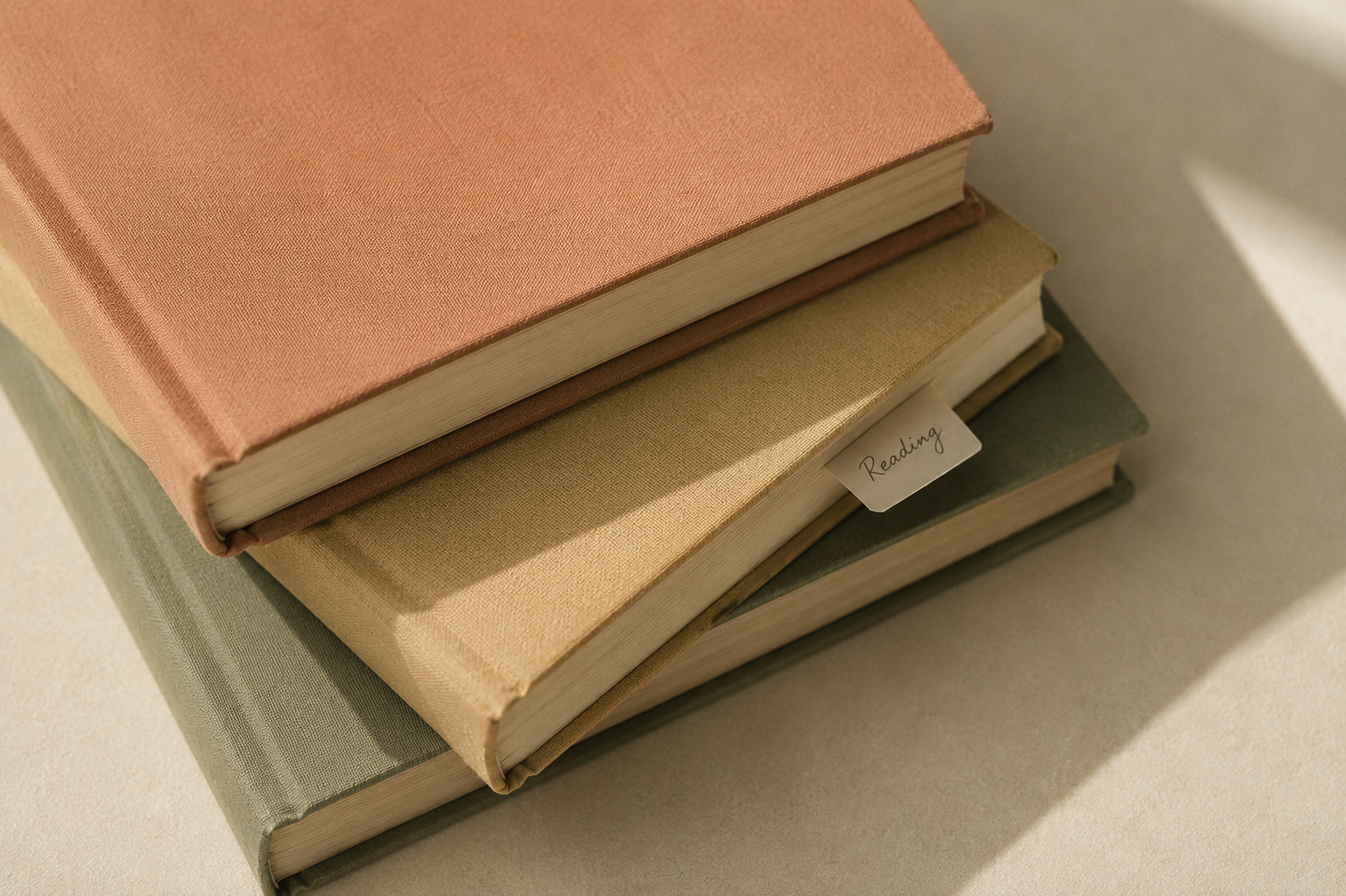
Shelves that think like bookshelves, not folders.
Color-coded, drag-and-drop, quietly beautiful. Keep them private, make them public, or invite a friend to build one with you.
A quiet Saturday morning email.
Every weekend, a gentle digest lands in your inbox — a handful of things from your library, quietly resurfaced with your coffee. No streaks, no notifications, no noise.
Save anything without breaking your flow.
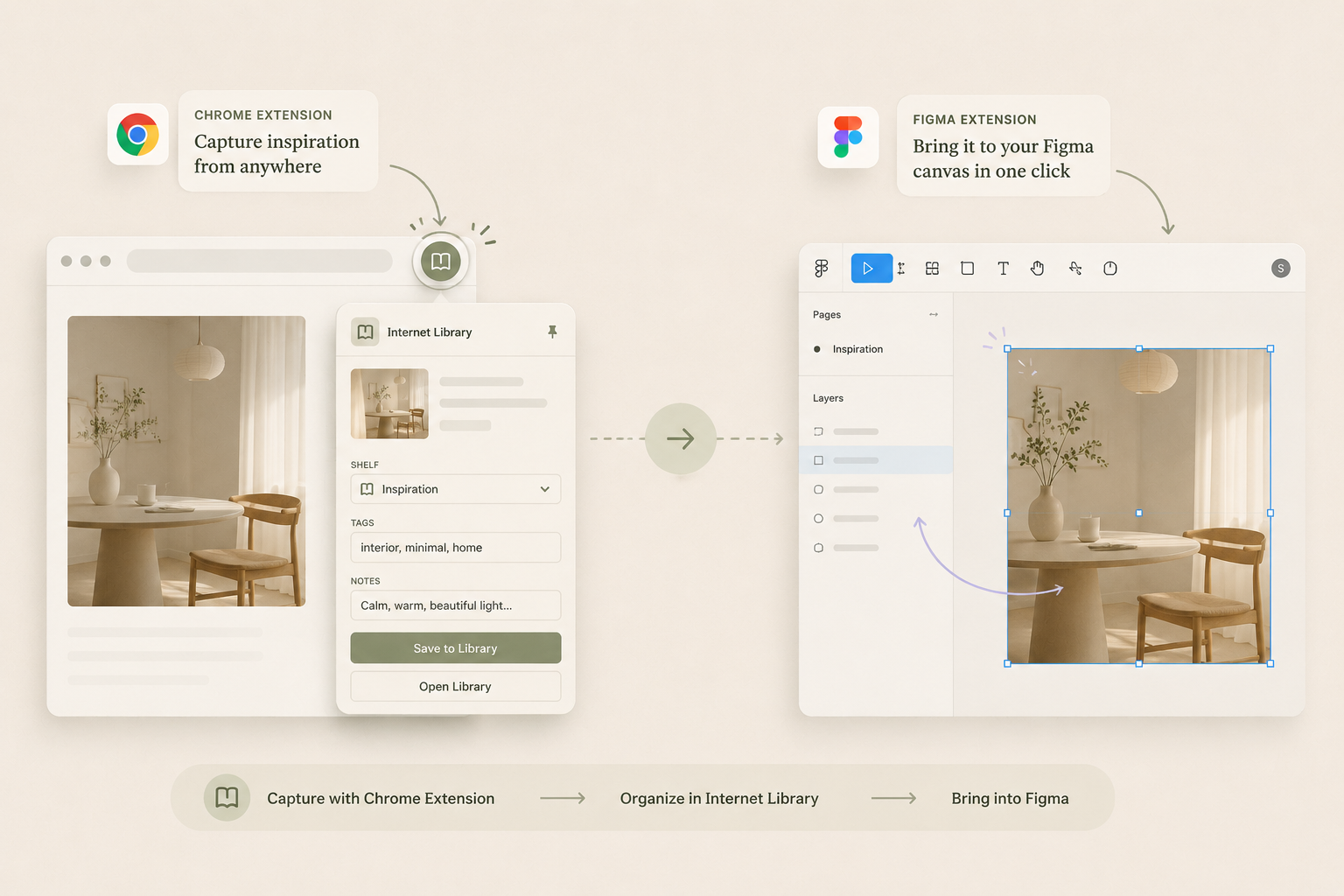
A tiny hover chip on every image. A pill on every Pinterest board. Save straight from Chrome into your library — then, when you're ready to design, import a whole shelf into Figma with the companion plugin. One save, two homes.
It figures out the boring bits so you don't have to.
Paste a URL. Internet Library extracts the title, thumbnail, favicon and suggests tags and a shelf — before you've clicked away.
Discover libraries built by people you admire.
Follow writers, designers and researchers. See what they've been quietly collecting. Re-pin anything to your own shelves in a single click.
Saturday morning. Coffee.
Three forgotten ideas,
gently rediscovered.
One quiet email, once a week. Three unread things from your three most-loved shelves. No streaks, no notifications, no guilt — just your library, showing up when you have time to read.
- Design readsOn the quiet joy of typographic restraint
- LongformThe room where reading actually happens
- Editorial & typeNotes on the return of the serif